PDF Tools: Image to PDF, Merge
Image to PDF, merge PDF, compress & PDF to image — all PDF tools in one app

Visual Showcase
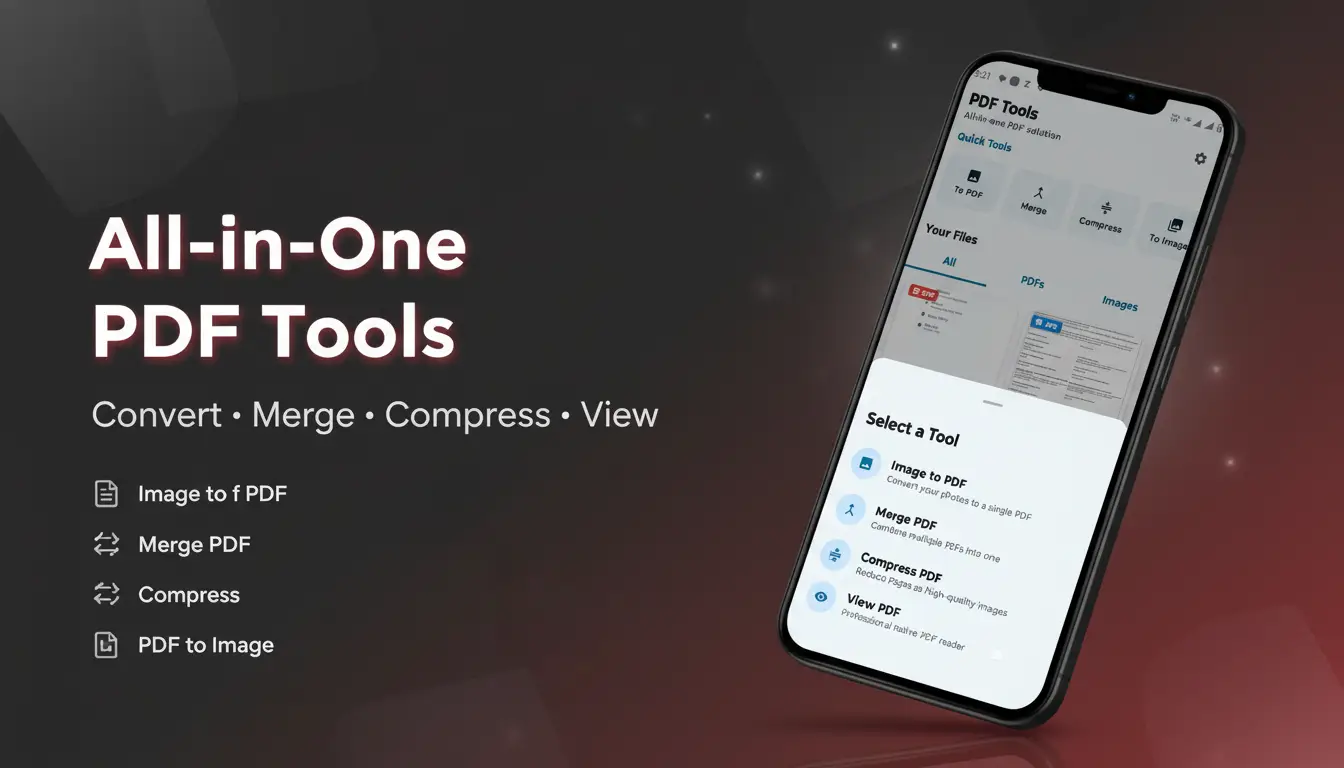
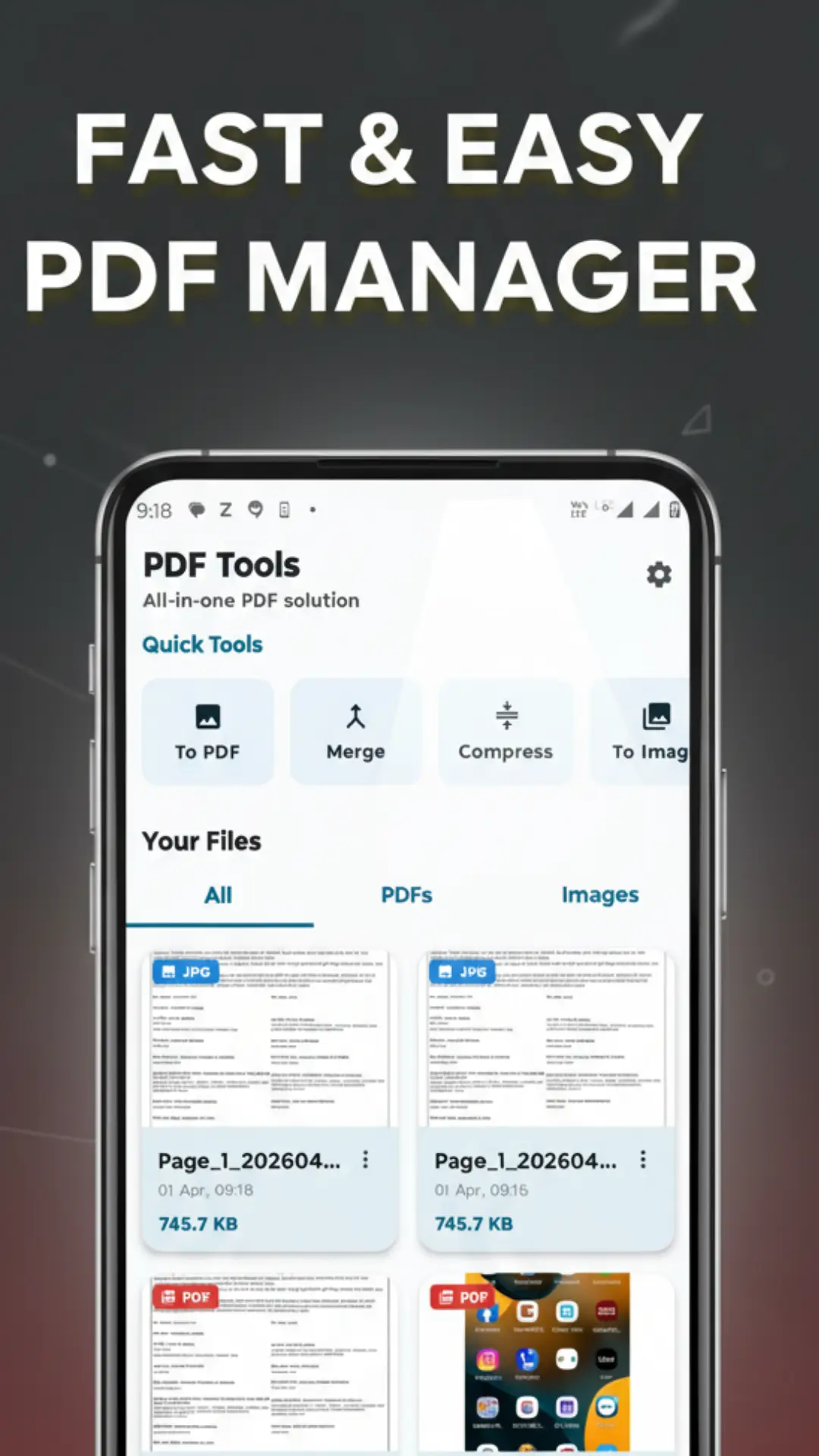

In an era where our smartphones have become our primary workstations, the ability to handle documents on the fly isn't just a luxury—it's a necessity. We’ve all been there: you’re trying to upload a scan for a class assignment, or perhaps you're a freelancer needing to merge multiple receipts into a single invoice while sitting in a coffee shop. Traditional desktop software is too bulky, and many web-based converters are riddled with ads or privacy concerns.
Enter PDF Tools. This isn't just another utility app; it is a meticulously designed, lightweight ecosystem for your Android device. It bridges the gap between complex document editing and mobile convenience. Whether you need to shrink a file size for an email or turn a batch of gallery photos into a professional report, this app handles the heavy lifting without breaking a sweat.
Deep Dive into Powerful Features
Transform Images into Documents
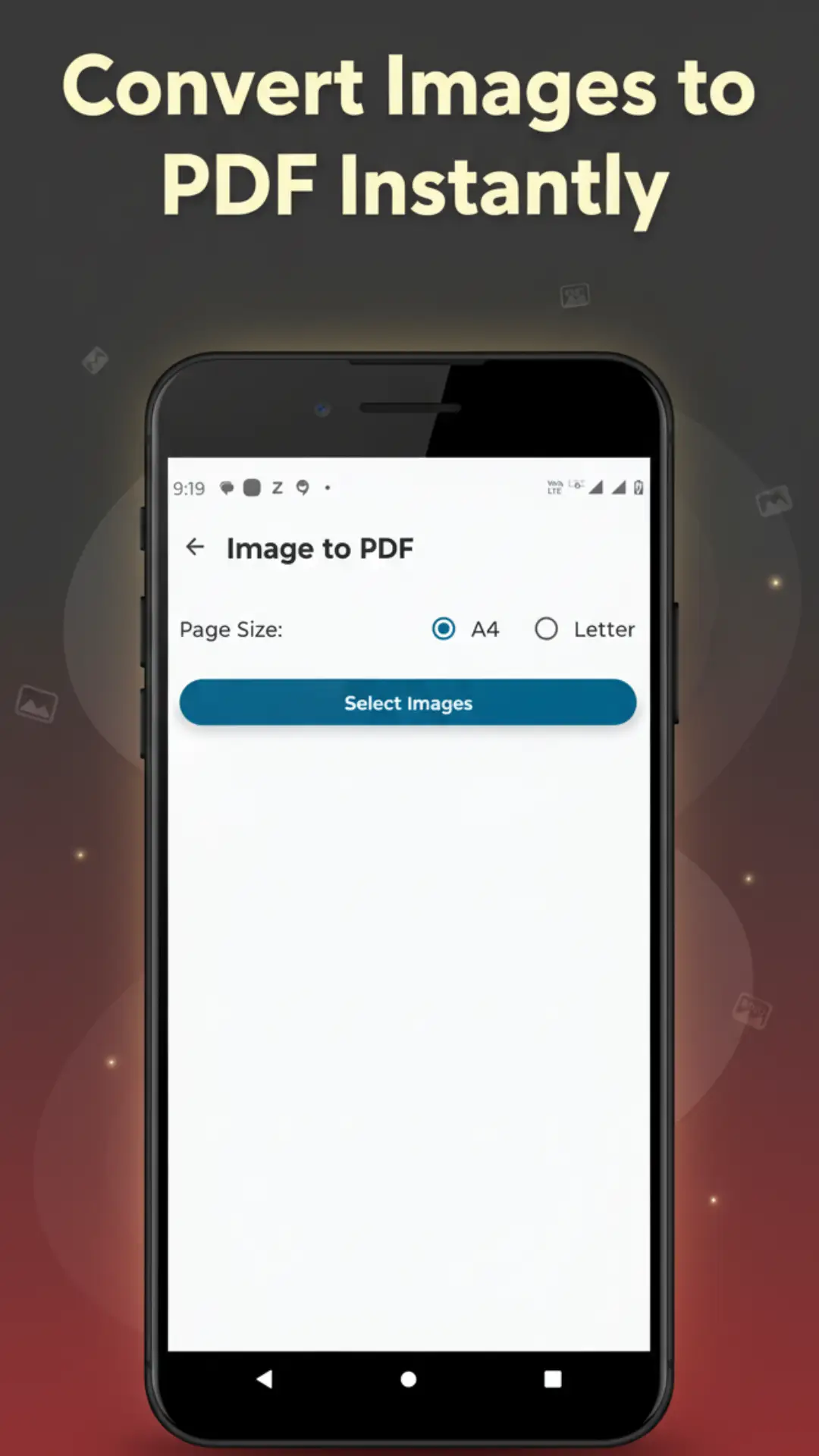
The Image to PDF converter is perhaps the most versatile tool in the arsenal. We live in a visual world where we often capture information through our cameras. Whether it’s a snapshot of a whiteboard, a physical contract, or a handwritten note, you can convert JPG, PNG, and other formats into high-fidelity PDFs instantly. The app preserves the clarity of your images, ensuring that your final document looks professional and is ready for submission to any official portal.
Seamless Document Merging
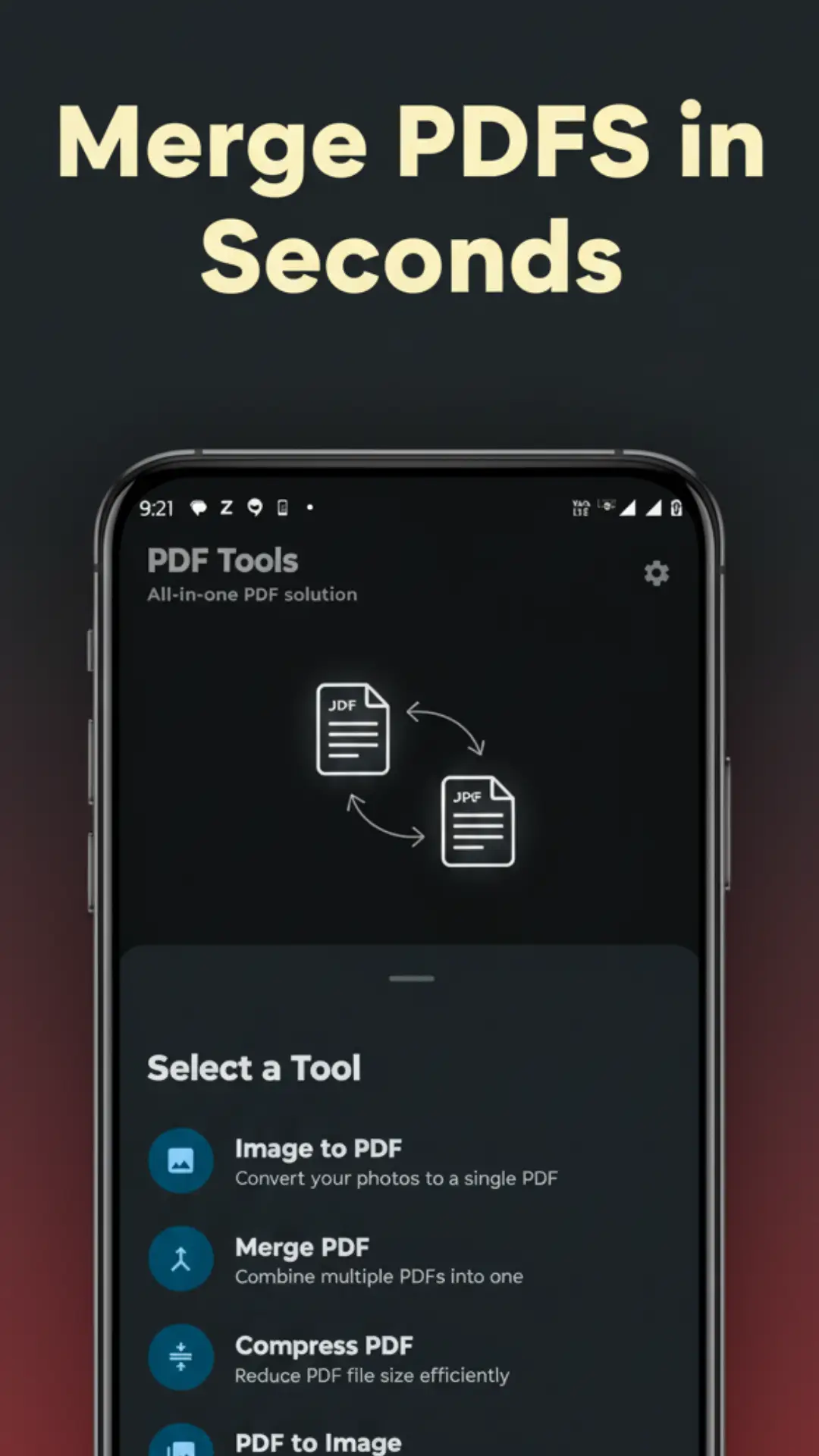
Scattered files are a productivity killer. The Merge PDF tool allows you to take various fragments—notes, reports, or contract addendums—and stitch them into a single, cohesive file. You have full control over the sequence, allowing you to organize your pages in a logical flow before finalizing the merge. It eliminates the mess of sending five different attachments when one organized document would do.
Smart Compression Technology
We’ve all faced the "file too large" error when trying to upload a document to a government site or send it via WhatsApp. The Compress PDF feature is your solution. It intelligently reduces the byte size of your documents while maintaining a balance of visual quality. This ensures your storage stays clear and your data usage remains low, all while keeping your text legible and sharp.
Extract and Share Visuals
Sometimes you don't need the whole document; you just need one specific page as a picture. The PDF to Image converter lets you extract specific pages and save them as high-quality JPGs. This is perfect for social media sharing, embedding a chart into a presentation, or simply keeping a visual reference in your photo gallery.
Designed for the User, Not Just the Task
As developers, we know that a feature is only as good as its accessibility. PDF Tools features a built-in PDF Viewer that rivals dedicated reading apps. With smooth scrolling and intuitive pinch-to-zoom gestures, reading a 50-page manual becomes a comfortable experience rather than a chore.
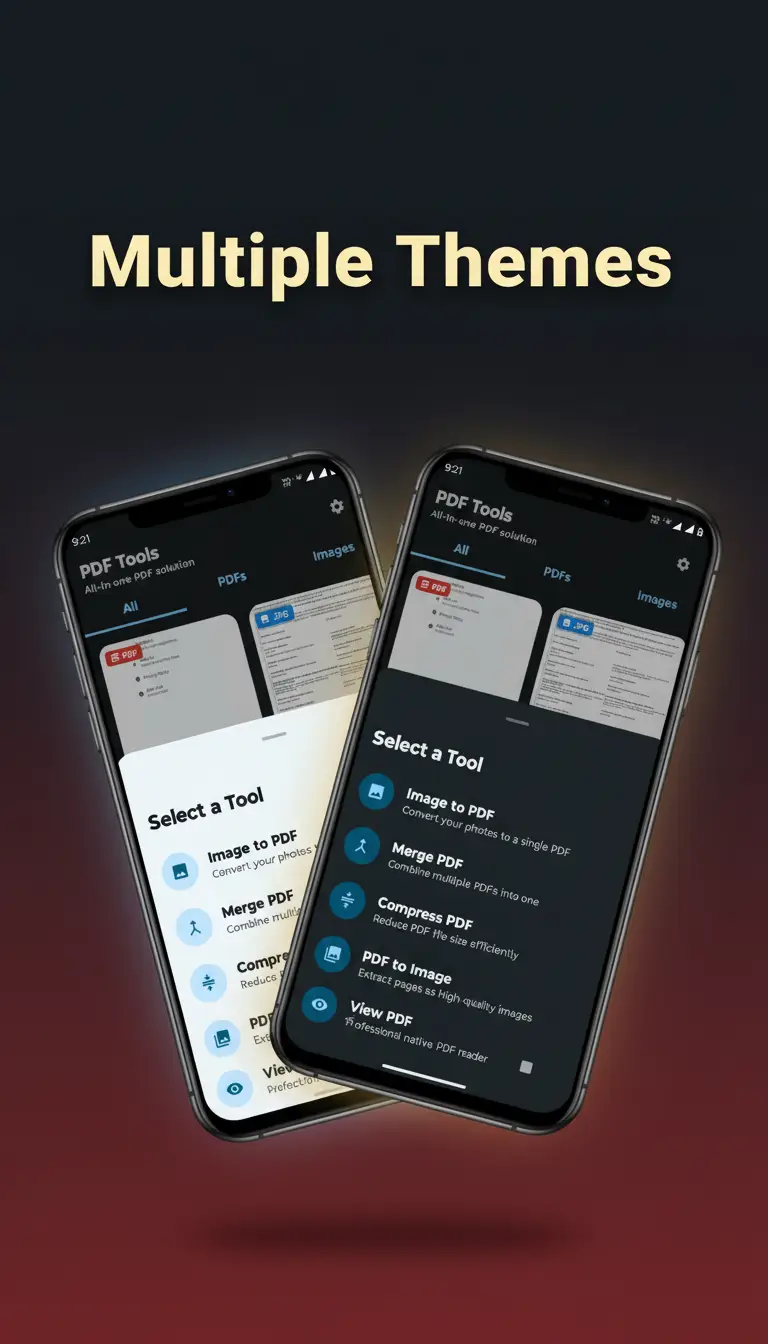
Pro Tip: The app supports both Light and Dark modes. If you’re burning the midnight oil on a project, switch to dark mode to reduce eye strain and save battery life on OLED screens.
Organization is handled by an integrated File Manager. You don’t have to go hunting through your "Downloads" folder to find what you just created. Everything is indexed within the app, allowing you to rename, delete, or share your files to Gmail, Drive, or WhatsApp with a single tap.
Privacy: Our Core Commitment
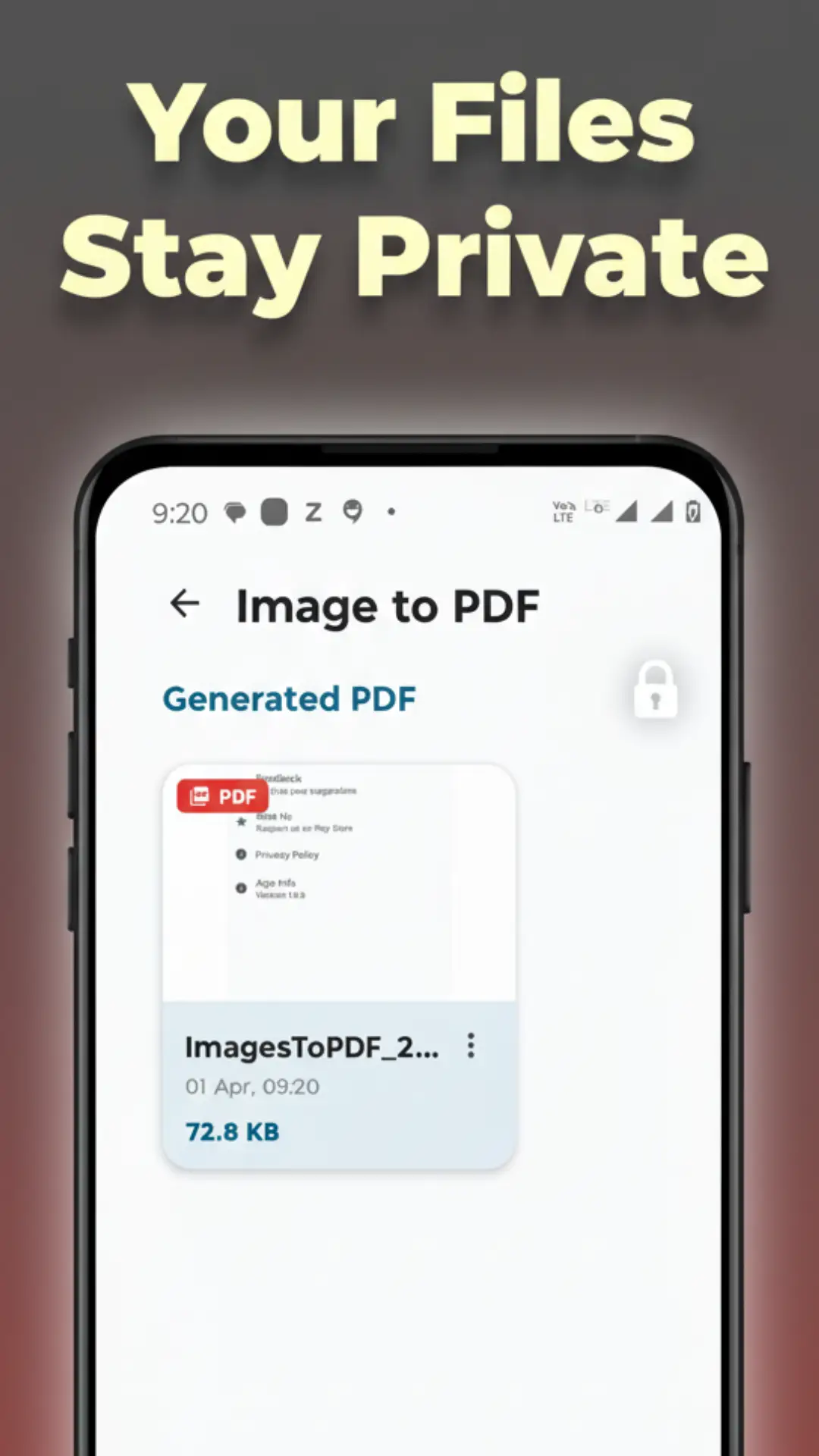
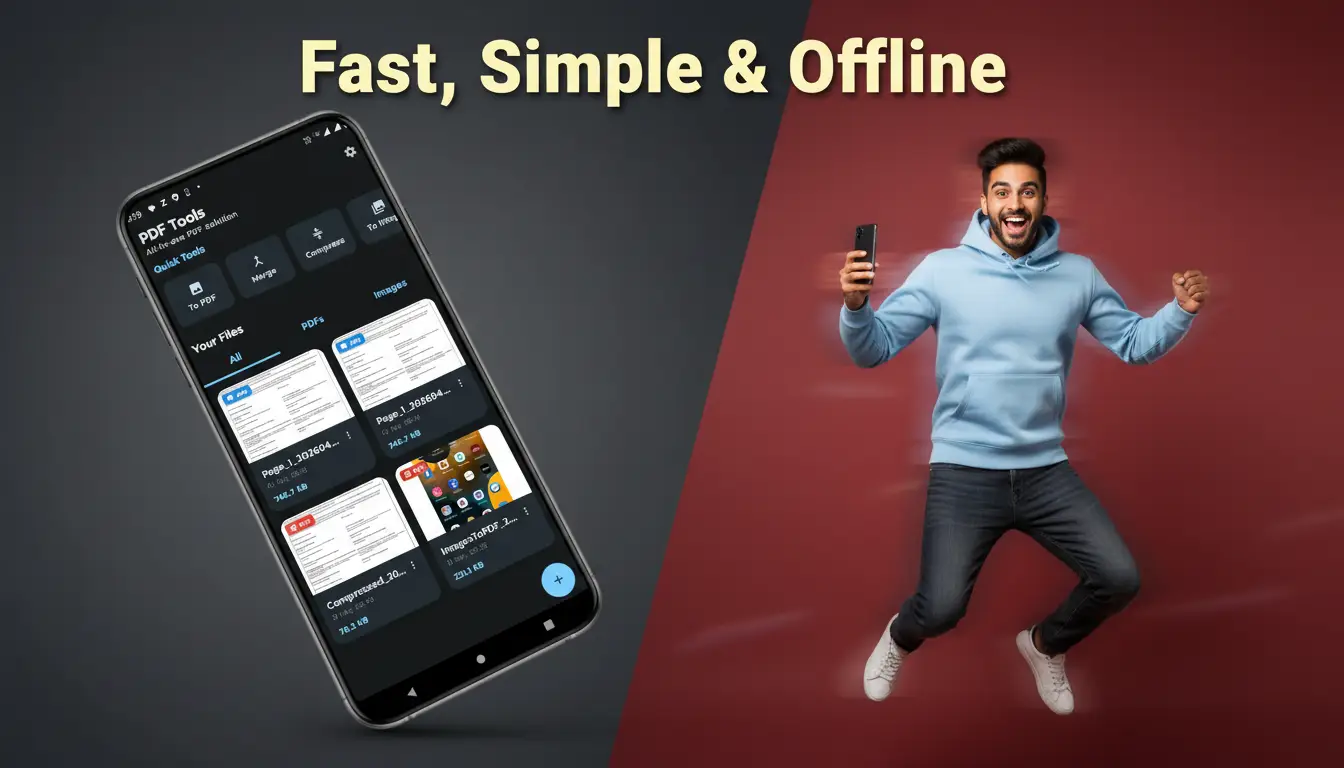
In an age of data harvesting, your document security is paramount. Most "free" online converters upload your sensitive files to a remote server for processing. PDF Tools works entirely offline.
Your files never leave your device. There are no accounts to create, no passwords to remember, and no personal data collected. It is a "zero-leak" environment, making it the safest choice for handling sensitive contracts, medical records, or personal ID scans. You get the power of the cloud with the security of an offline vault.
How to Get Started in Seconds
The beauty of this app lies in its simplicity. Here is how you can perform any task in under a minute:
- Open the App: Launch PDF Tools from your app drawer.
- Select Your Tool: Choose from Merge, Convert, or Compress on the home screen.
- Pick Your Files: Use the intuitive picker to select images or PDFs from your storage.
- Action & Save: Tap the action button, rename your file, and you’re done!
It really is that simple. We’ve stripped away the "robotic" complexity of traditional software to give you a tool that feels natural and fast.
Frequently Asked Questions
More Apps from Dipuja
View All
Ready to try PDF Tools: Image to PDF, Merge?
Get the latest version from the Google Play Store securely.